Facebook is a social media and advertising platform used by individuals and businesses to connect, share content, and promote products or services. Only supports Facebook Pages, not Facebook Personal accounts.
Authentication DetailsComposio-managed OAuth available
Frequently Asked Questions
How do I set up custom OAuth credentials for Meta (Facebook)?
Use your own Meta app when you want users to see your app's name on the consent screen and control the credentials yourself.
Create the Meta app
-
Sign in to Meta for Developers and register as a developer if you haven't. Your app must be linked to a business portfolio.
-
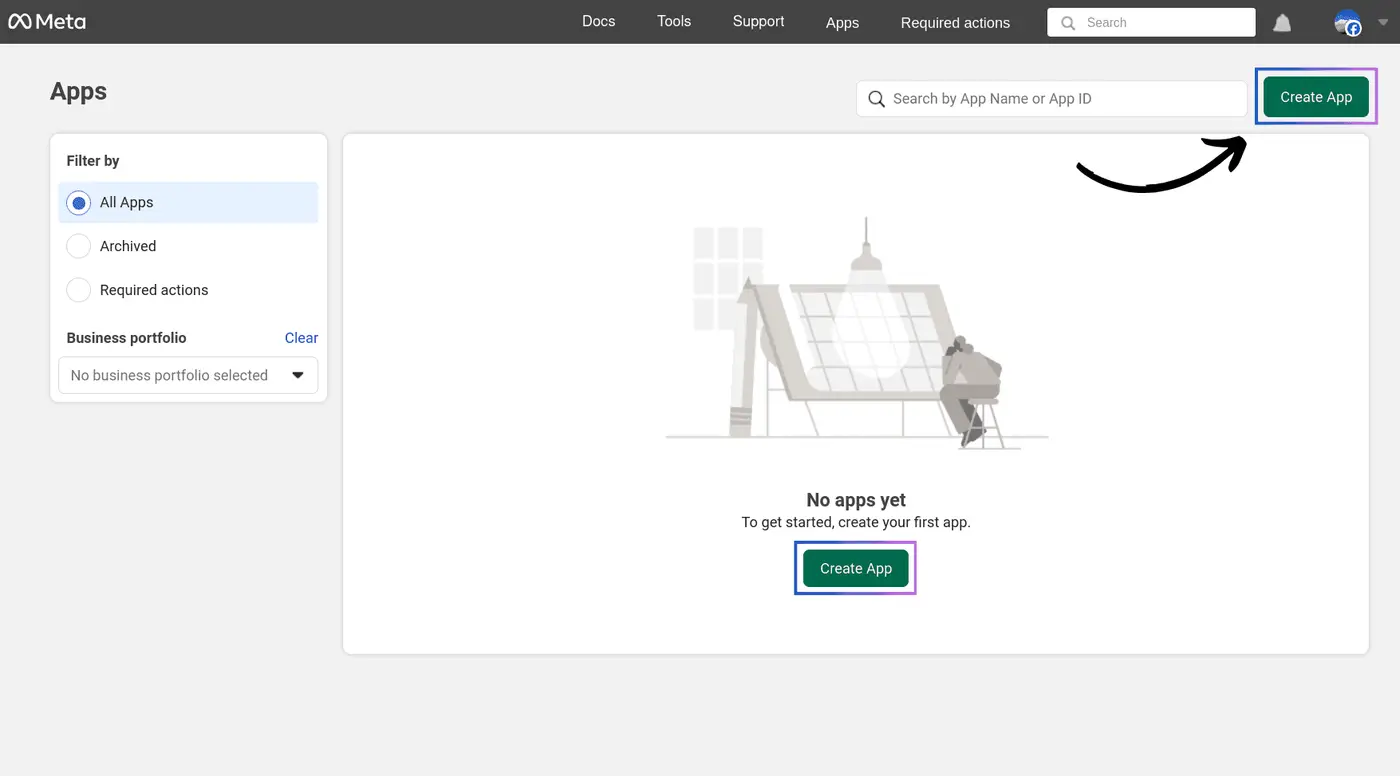
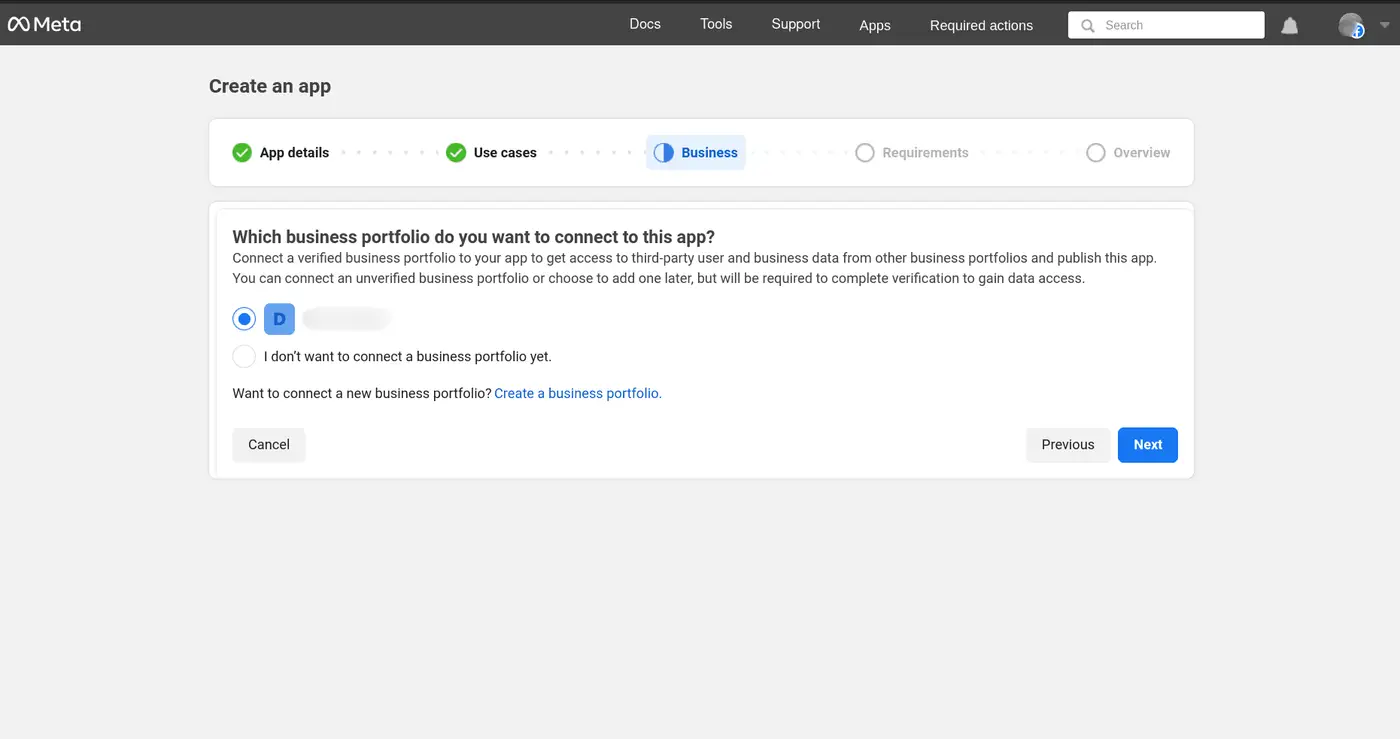
Click Create App. Enter the app details, select the use cases your workflow needs, and on the business step select your business portfolio. Complete the remaining fields and create the app.
-
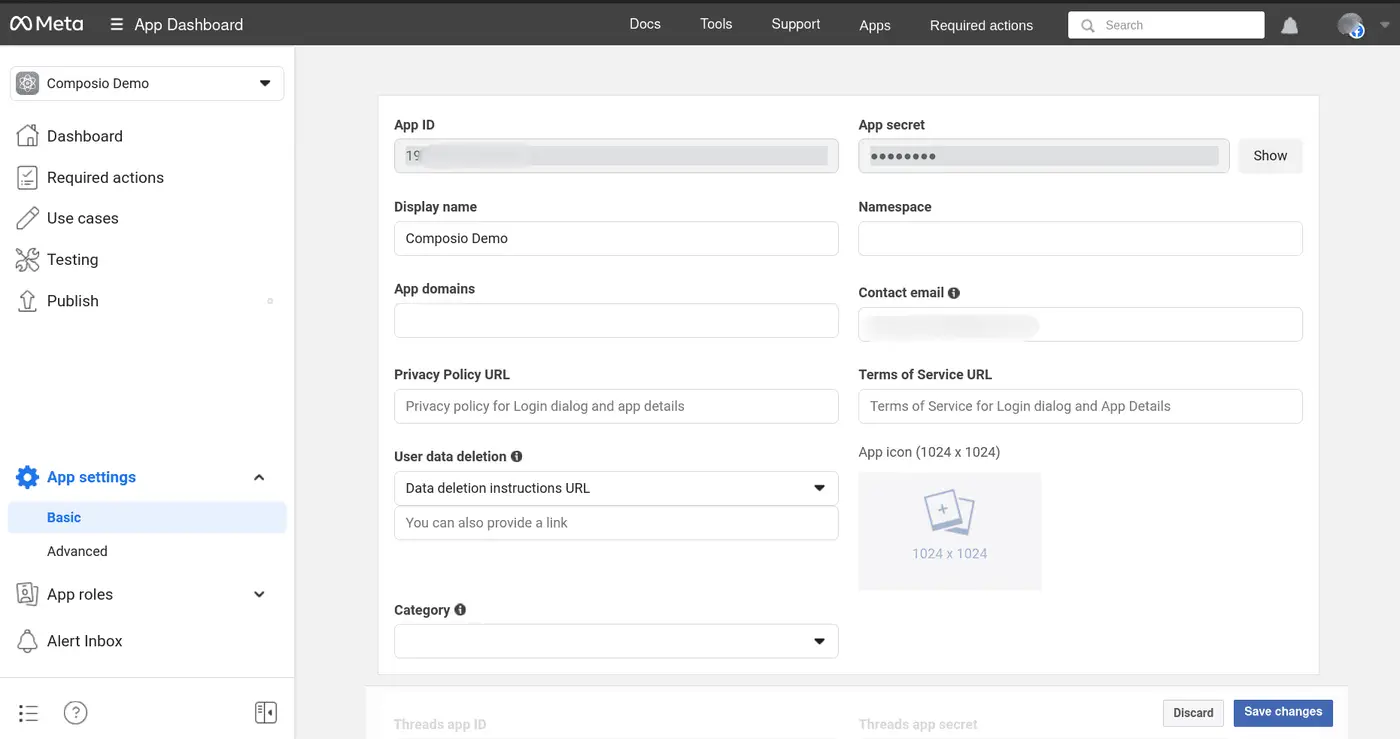
In App settings > Basic, copy the App ID (client ID) and App Secret (client secret).
-
Add
https://backend.composio.dev/api/v1/auth-apps/addto the app's OAuth redirect allow list (in App settings > Advanced, or Valid OAuth Redirect URIs in the Facebook Login settings). It must exactly match theoauth_redirect_urifield in your Composio auth config. -
Publish the app.
Create the auth config in Composio
-
In the Composio dashboard, go to Auth Configs, click Create Auth Config, and select Facebook.
-
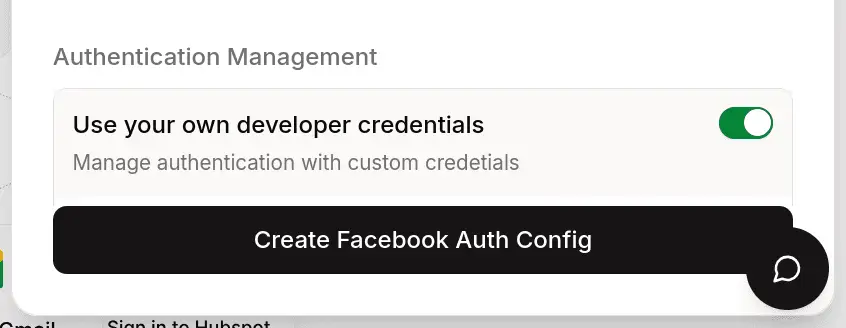
Keep the authentication type as OAuth2 and choose Use your own developer authentication.
-
Paste the App ID as the Client ID and the App Secret as the Client Secret, then click Create Facebook Auth Config.
-
Click Connect Account, approve access in Facebook, and confirm the account shows as Active.
See Custom auth configs for the general flow.
Scopes
The default auth config requests public_profile, email, business_management, pages_show_list, pages_read_engagement, pages_manage_posts, pages_manage_engagement, pages_read_user_content, pages_manage_metadata, pages_messaging, and read_insights. Edit the Scopes field on the auth config to request only what you use. Meta requires App Review before people without a role on your app can grant most of these permissions.