MCP
Connected account not found error
This error occurs when MCP cannot find a valid connected account for authentication:
- Specify an account: Provide either
connected_account_idoruser_idin your MCP configuration - Default behavior: Without specification, MCP uses
user_id=default. If multiple connections exist with the same user_id, the most recent is used - Verification checklist:
- Account status is
ACTIVE(not deleted) - Account belongs to the same auth config used to create the MCP server. MCP servers only resolve connected accounts through their bound auth configs, so connections under a different auth config will not be found.
- Account status is
To fix a mismatched auth config, update the MCP server's auth_config_ids using the PATCH /api/v3.1/mcp/{id} endpoint.
Learn more: Single Toolkit MCP
Getting 404 errors
Verify your URL format matches one of these patterns:
https://apollo-<randomID>-composio.vercel.app/v3/mcp/<UUID>https://apollo.composio.dev/v3/mcp/<UUID>
Getting 401 Unauthorized errors
If your MCP client gets 401 Unauthorized, include your Composio project API key in request headers:
- Header name:
x-api-key - Value: your project API key from the Composio dashboard
When require_mcp_api_key is enabled on your project, requests without this header are rejected.
Testing and debugging
If experiencing issues, test your MCP server with:
This helps identify whether the issue is with your MCP client or the server.
Reporting MCP issues
When reporting to support, provide:
-
Error message: Complete error details
-
MCP server URL: The exact URL you're connecting to and the corresponding
mcp_server_id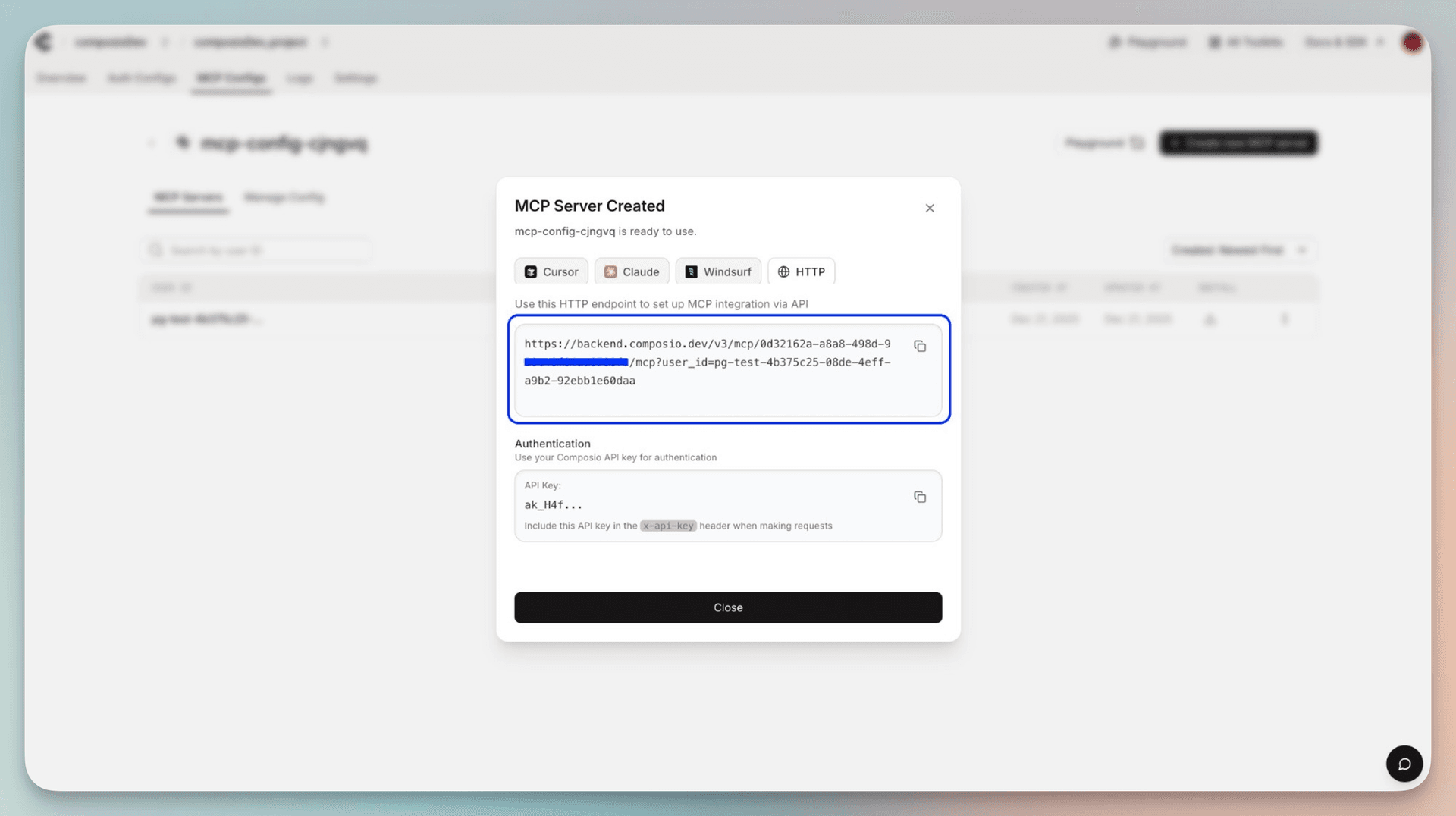
-
Testing results: Whether issue reproduces in MCP Inspector/Postman or only in specific client
-
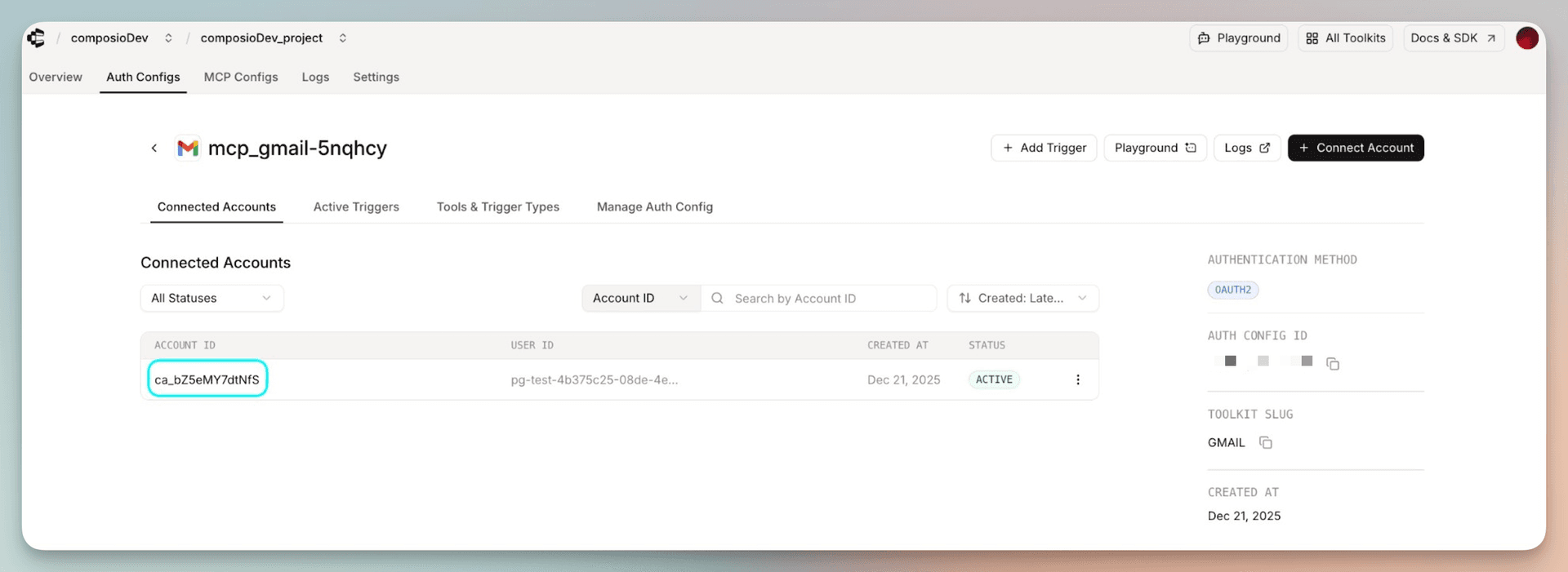
Connected account ID: If facing connection issues
-
Reproduction steps: Clear steps to reproduce the issue
Getting help
- Email: support@composio.dev
- Discord: #support-form