Optional API Key Enforcement for MCP Servers
We’ve introduced a new project-level security setting that allows you to require API key authentication for all MCP server requests. This opt-in feature gives you fine-grained control over who can access your MCP endpoints.
Opt-in today, default soon: This feature is currently opt-in. Starting March 1, 2026, it will be enabled by default for new organizations. We recommend enabling it now to prepare your integrations.
What’s New
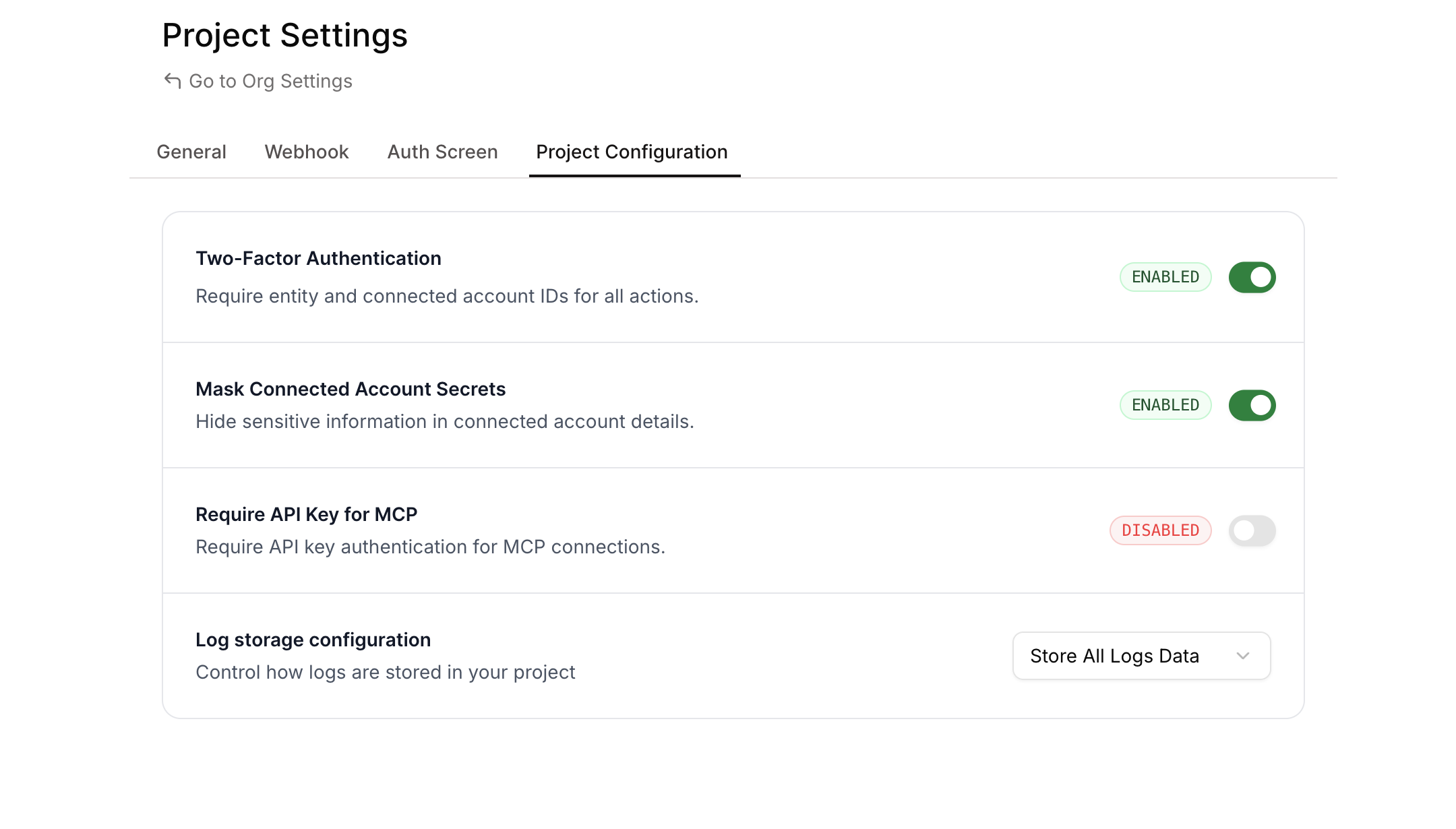
A new “Require API Key for MCP” toggle is now available in your Project Settings. When enabled, all requests to your MCP servers must include a valid Composio API key in the request headers.
How It Works
When the setting is disabled (default):
- MCP servers work without API key authentication
- Existing integrations continue to function unchanged
When the setting is enabled:
- All MCP requests must include the
x-api-keyheader with a valid Composio API key - Requests without a valid API key receive
401 Unauthorized - Only API keys belonging to the same project are accepted
Request Examples
Without API key (when enforcement is enabled):
With API key:
Enabling the Setting
Via Dashboard
- Navigate to Project Settings
- Go to the Project Configuration tab
- Find the “Require API Key for MCP” toggle
- Enable the toggle
Via API
Update your project configuration using the API:
Response:
Via Code
When to Use This
Enable API key enforcement when you need to:
- Prevent unauthorized access to your MCP servers
- Control which applications can interact with your MCP endpoints
- Add an extra security layer for production deployments
- Audit and track MCP server usage through API key attribution

